An XE node in your menu bar
A preview of XE Node: the menu-bar app and its window, with example data. It runs no node and connects to no network.
A simulation. Nothing on your Mac is shared.


How a node will look
Catching up
How the window shows a node fetching and checking the network’s blocks. Example data.

What the window shows
- 01
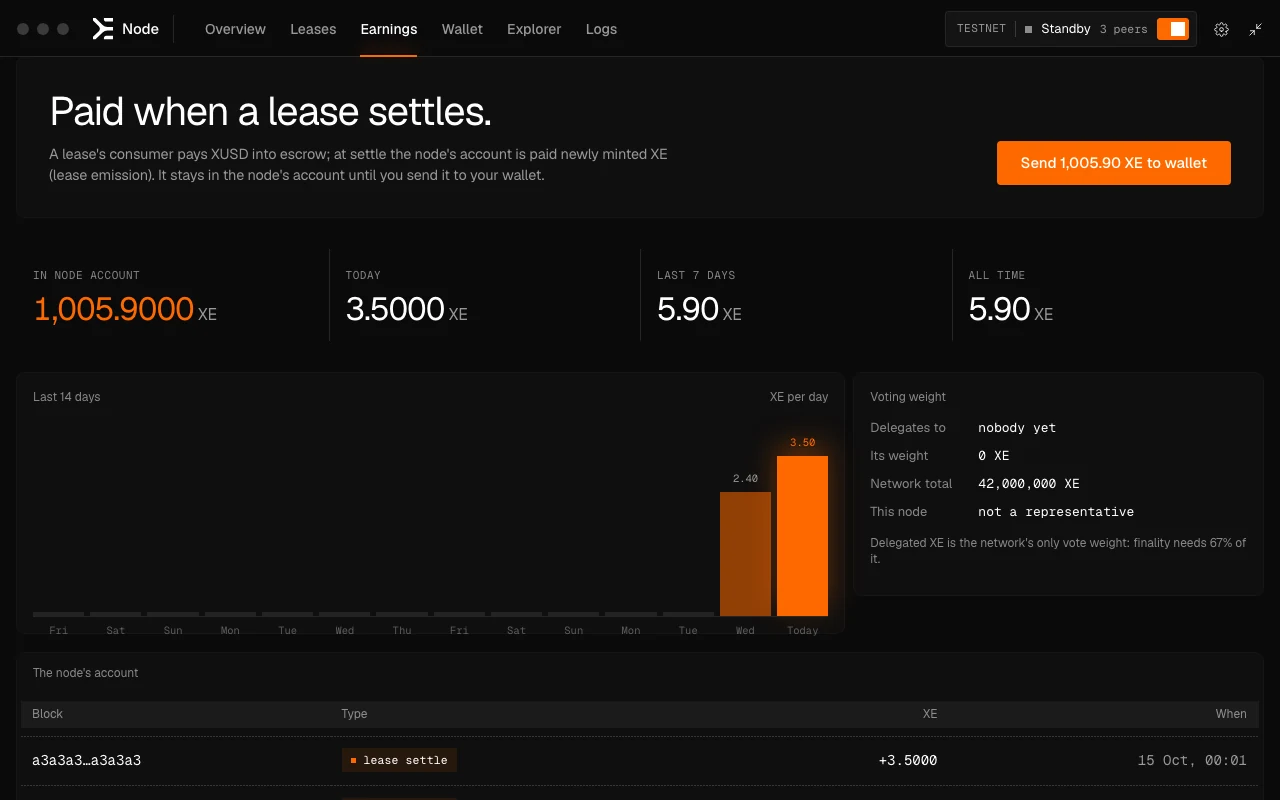
What a node earns
Earnings per day, week and in total, shown with example numbers.
- 02
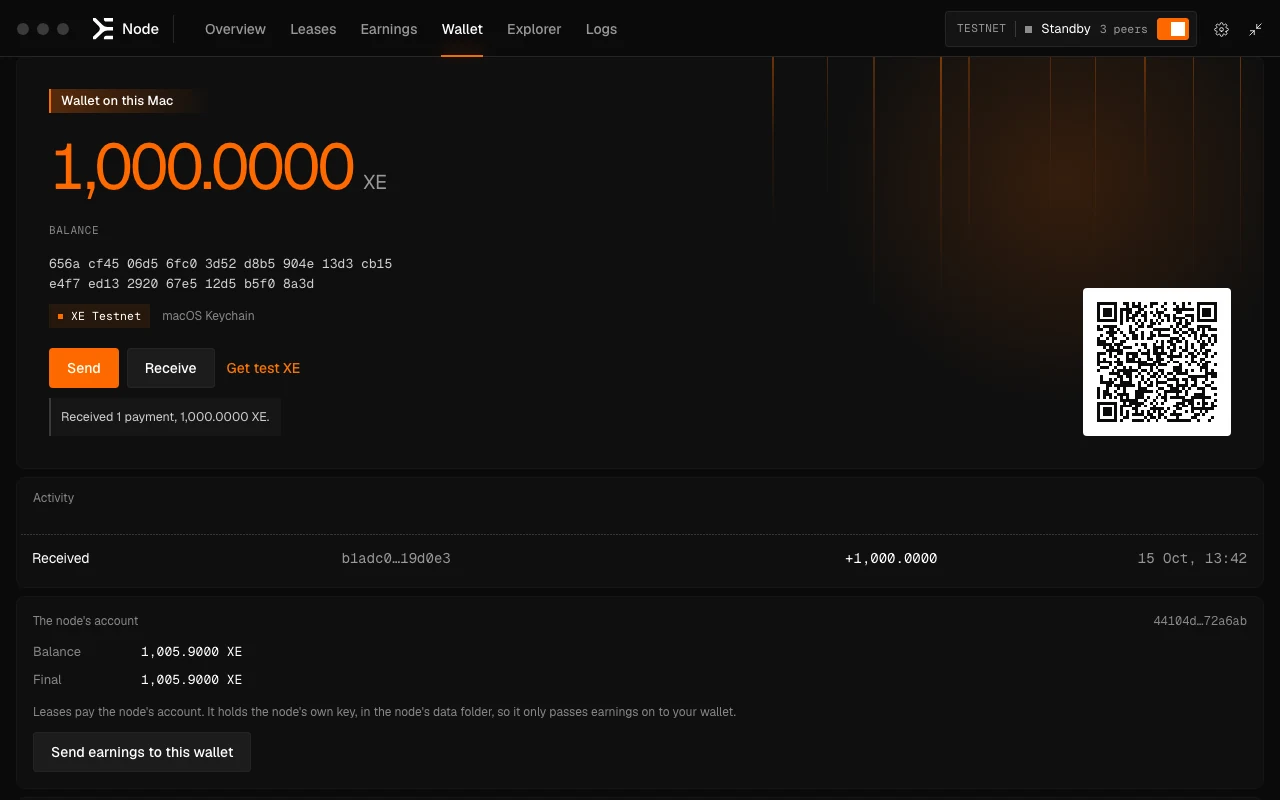
A wallet on your Mac
The one real part: a key made on your Mac and kept in its secure storage. A payment it signs is shown, never sent.
- 03
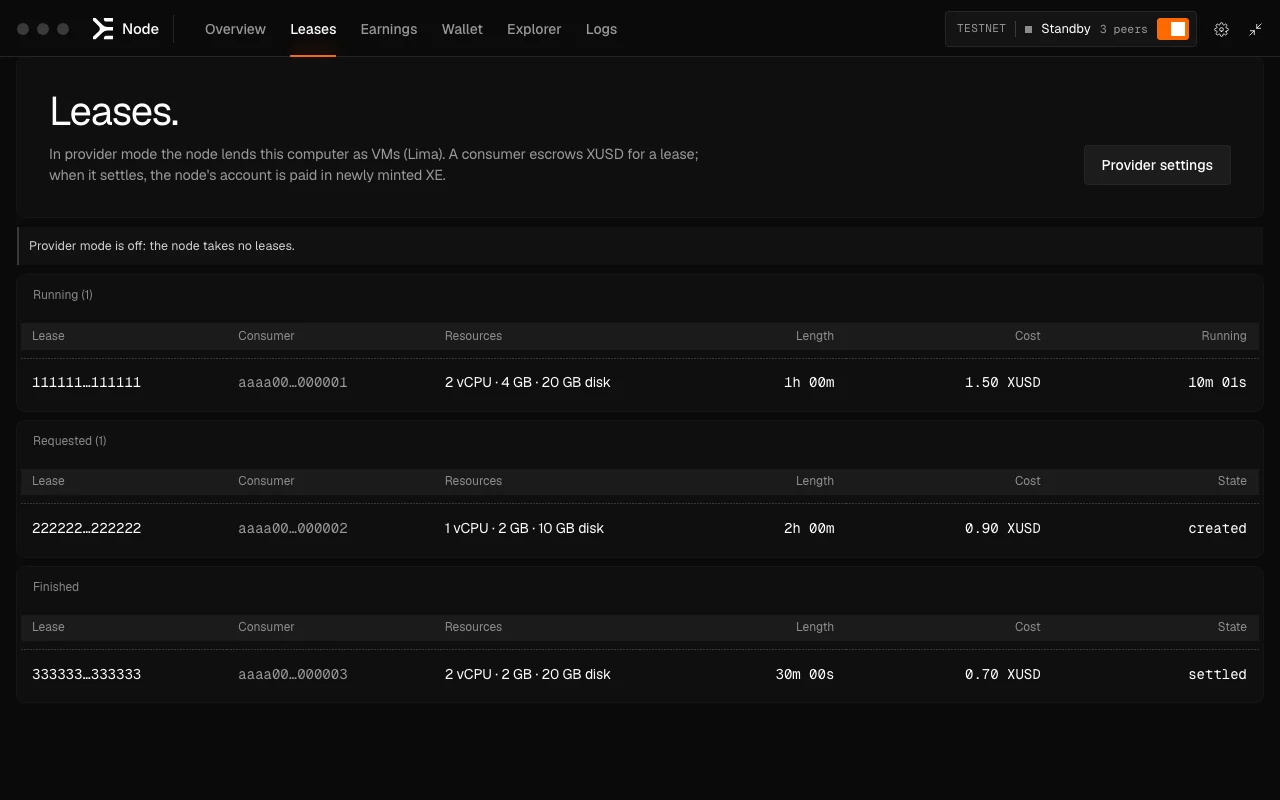
Leases
What a lease would use, for how long, and what it would pay. Example data.
- 04
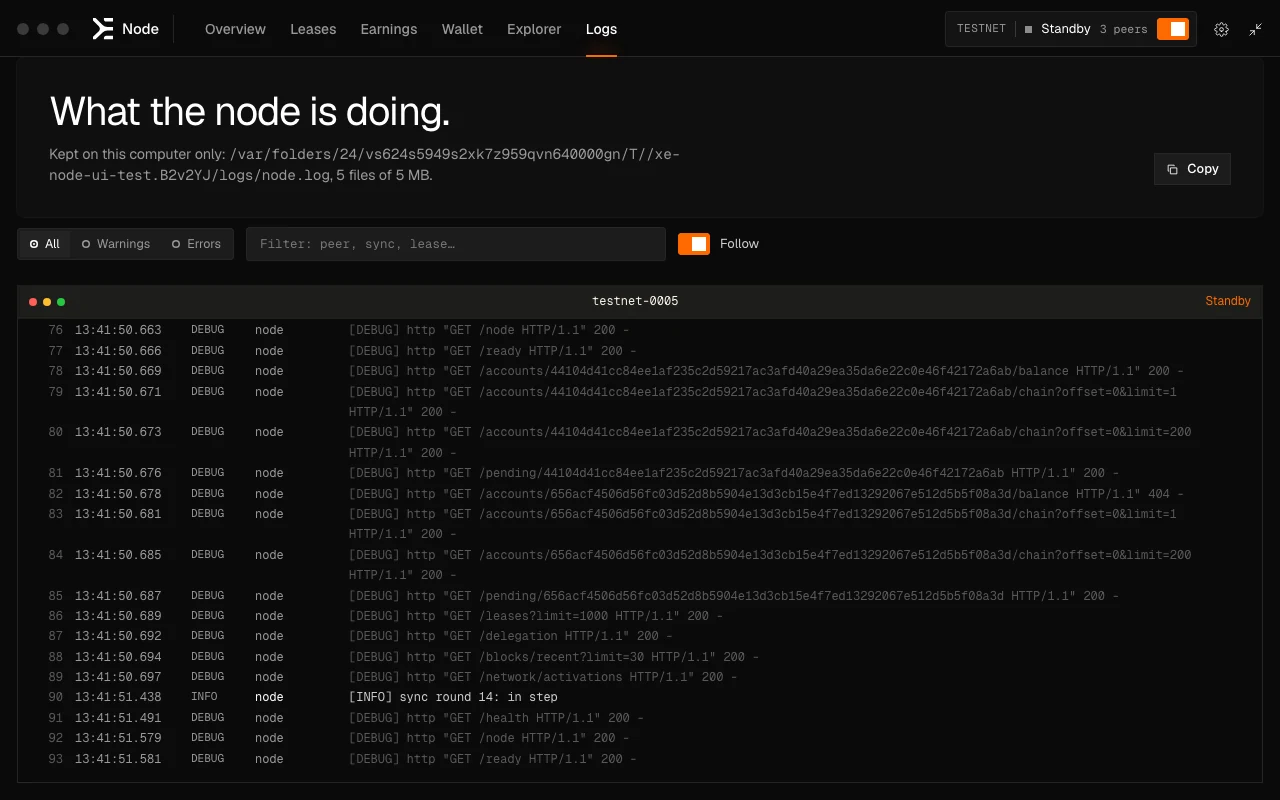
Logs
How a node’s log reads, with filters for warnings and errors. Example lines.
- 05
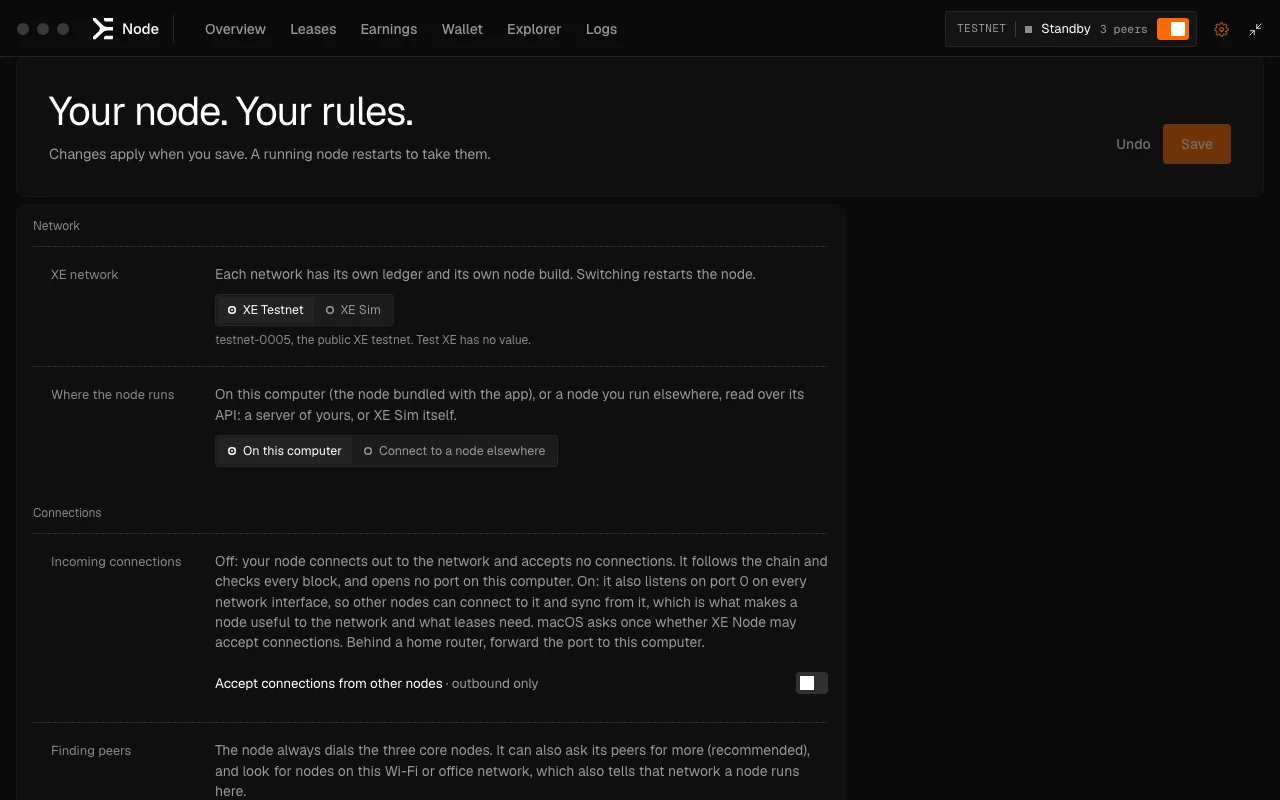
Settings
The choices a node will offer: the network, where it runs, and who may connect. They change only what the preview shows.


Nothing runs, nothing is shared
- No nodeThe app shows a node’s screens with example data. It runs no node software.
- No networkIt makes no network calls and listens on nothing. Its one link opens the Web Wallet in your browser.
- Nothing lentIt doesn’t share your Mac’s processor, memory, disk or bandwidth.
- One real keyIts wallet key is made on your Mac and kept in its secure storage. Payments it signs are shown, never sent.
Questions
Does it run a real node?
No. It is a preview with example data. It runs no node and joins no network.
Does it use my Mac’s resources?
Only what any small app uses. It lends nothing to the network.
What is real in it?
The wallet key. It is made on your Mac and kept in its secure storage; a payment it signs is shown and never sent.
Where do I get it?
Try it in your browser, or download the Mac app from node.xe.marketized.io.
XE apps run on XE Sim and the XE testnet. Test XE has no value. Mac, macOS and Touch ID are trademarks of Apple Inc. This site is not run or endorsed by Apple.
Try the preview
In your browser, or as a Mac app. Both show example data.