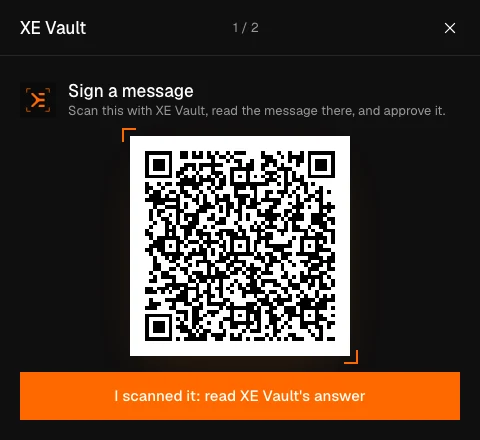
When you pay from your online wallet, it shows the request as a QR code.
02
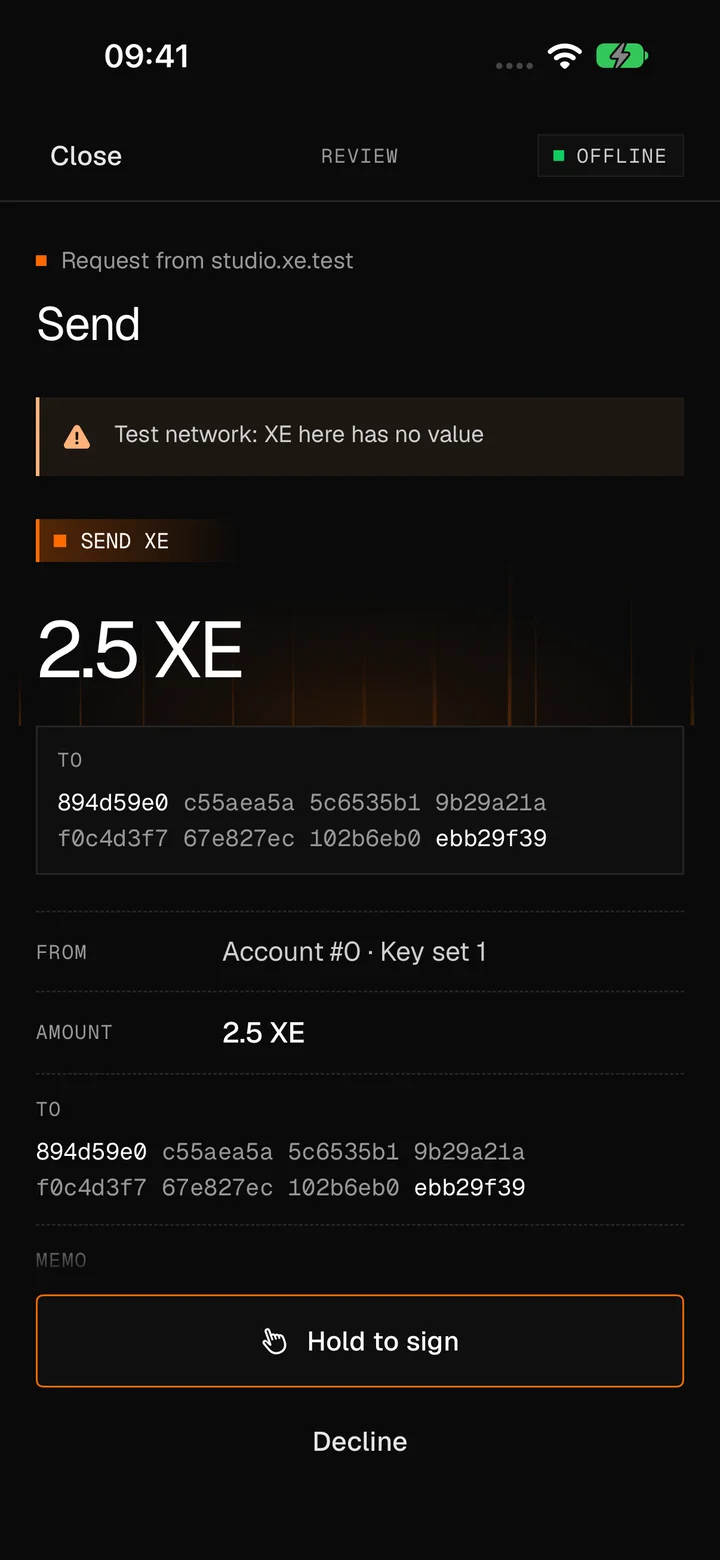
XE Vault scans it
The offline phone reads the request and shows every detail.
09:41
03
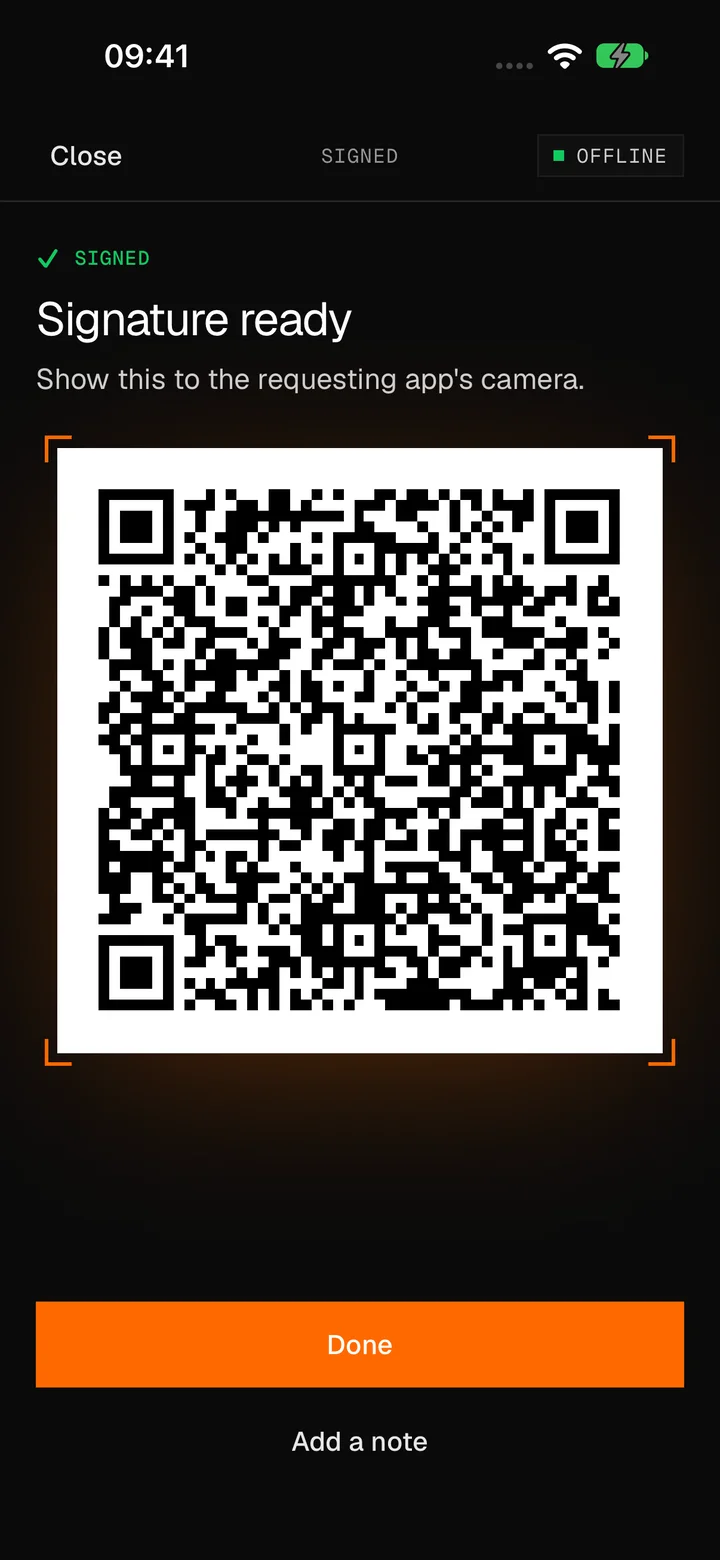
You hold to sign
XE Vault shows the signature as a QR code of its own.
09:41
04
Your wallet sends it
Your online wallet scans the answer and sends the payment.
How it works
Sign without going online
Your online wallet
09:41
09:41
XE Vault, offline
Before every signature
It checks the phone is offline
And it checks again right before it signs. If anything’s on, it covers the screen until it’s off.
No connection of any kind
Wi-Fi off
Bluetooth off (on iPhone, you confirm it)
No VPN, hotspot or USB network
Location Services off
What XE Vault shows if the phone goes online.
Why it’s safe
What else keeps it safe
No networking codeEvery build is scanned for it, and on Android the app has no internet permission.
It reads every request itselfIf it can’t show you everything, it refuses and tells you why.
Your recovery phrase is the only backupThe key is encrypted by the phone’s secure chip, and never goes into a cloud backup or sync.
QUESTIONS
Questions
Which phone should I use?
A spare one you can leave in airplane mode for good, reset to factory settings, with a passcode.
Is it free?
Yes. Sending XE has no fees either.
How do I update it?
Turn Wi-Fi on, update XE Vault only, then switch airplane mode back on before you open it.
What if I lose the phone?
Your recovery phrase brings back the same accounts in a new XE Vault. Lose both, and the XE is gone.
Found a problem?
Write to info@internml.com. Never send your recovery phrase.
XE apps run on XE Sim and the XE testnet. Test XE has no value. iPhone and TestFlight are trademarks of Apple Inc., Android of Google LLC, Ledger of Ledger SAS. This site is not run or endorsed by any of them.
Get it
On iPhone now, Android soon
You’ll need a spare iPhone with a passcode, on iOS 17 or newer. It pairs with the Web Wallet.